
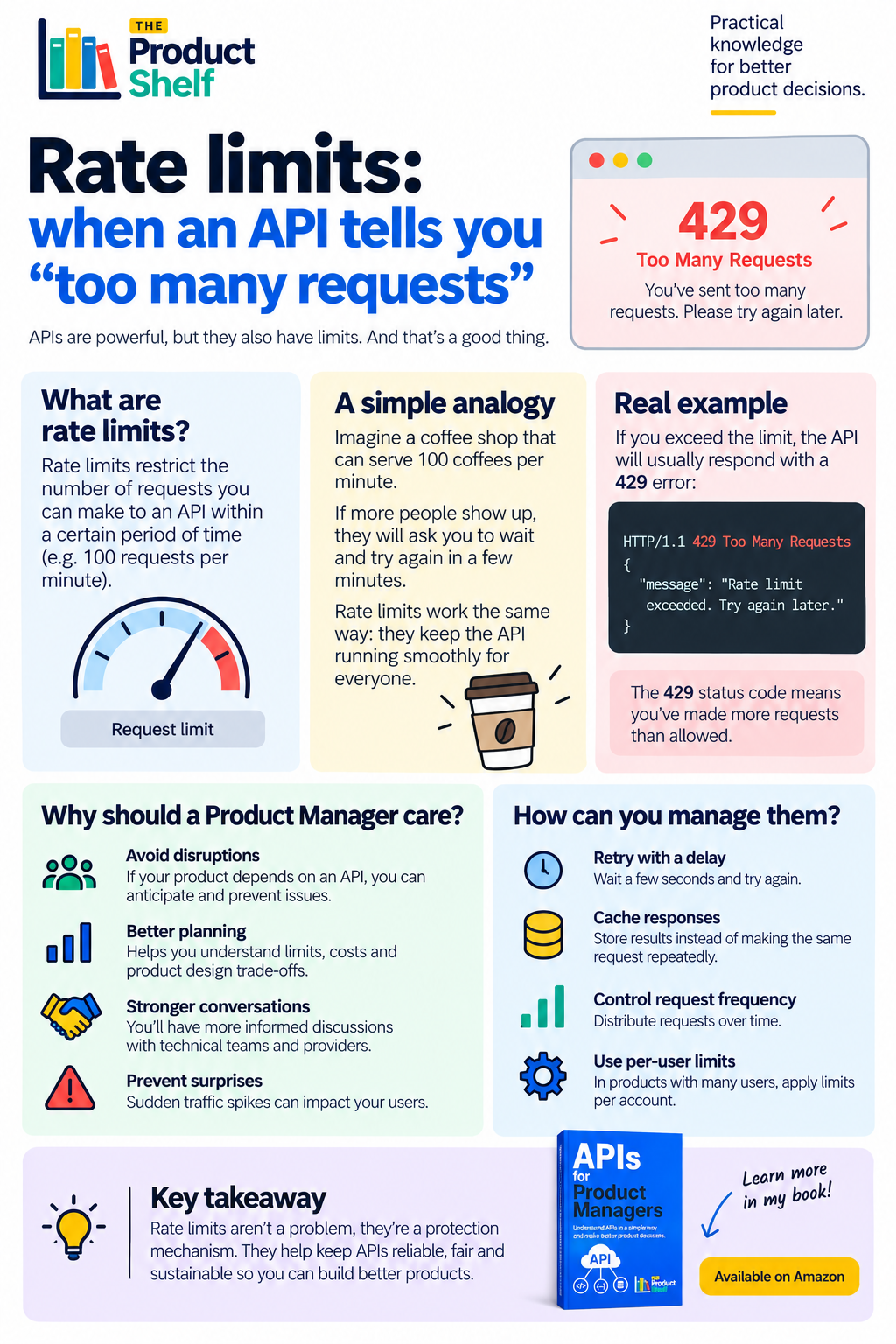
APIs allow products to exchange information and trigger actions between different systems. Every time an application retrieves a customer profile, checks a payment, loads a map or sends a notification, it may be making a request to an API.
However, APIs cannot process an unlimited number of requests at the same time. To protect their infrastructure and keep the service available, API providers usually establish rate limits.
A rate limit defines how many requests a user, application or system can make within a specific period. For example, an API might allow 100 requests per minute, 5,000 requests per hour or a certain number of requests per user.
When the limit is exceeded, the API may temporarily reject additional requests and return the HTTP status code 429 Too Many Requests.
If you want to learn about API rate limits for Product Managers, take a look to Apis for PMs.
What are API rate limits?
An API rate limit is a rule that controls how frequently a client can send requests to an API.
A simple way to understand it is to imagine a coffee shop that can prepare 100 coffees per minute. As long as demand remains within that capacity, everyone receives their order normally. If too many customers arrive at once, the shop needs to ask some of them to wait before placing another order.
APIs work in a similar way. Rate limits prevent one application or user from consuming all the available capacity and affecting everyone else.
Limits can be applied in different ways. An API provider might restrict requests:
- Per user or customer account.
- Per application or API key.
- Per IP address.
- Per endpoint.
- Per second, minute, hour or day.
Some providers also distinguish between sustained usage and short bursts of traffic. An application may be allowed to make several requests quickly, but not maintain that frequency indefinitely.
What does the 429 status code mean?
When an application makes more requests than the API permits, the service will often return a 429 Too Many Requests response.
This does not necessarily mean that the API is unavailable or that something has permanently failed. It usually means that the application must slow down and wait before trying again.
The response may include a Retry-After header indicating how many seconds the application should wait. Technical teams can use this information to decide when to repeat the request instead of retrying immediately.
If the application ignores the response and continues making requests, it can create a retry loop that generates even more traffic and makes the original problem worse.
Why should Product Managers care about rate limits?
Rate limits may sound like a purely technical concern, but they can directly affect the product experience.
Imagine that your product uses an external API to show delivery information. If the application exceeds the provider’s request limit, users may see missing data, outdated information, loading errors or screens that appear to be broken.
The same issue can affect payment services, authentication systems, maps, messaging tools, analytics platforms and many other product capabilities.
Understanding API rate limits helps Product Managers ask better questions during discovery and delivery:
- What limits does the API provider impose?
- Are the limits global or applied per user?
- What happens when we exceed them?
- What message will users see?
- Can we cache information instead of requesting it repeatedly?
- Will the expected traffic require a more expensive plan?
- How will we monitor rate-limit errors after release?
These questions are particularly important when launching a product in a new market, running a marketing campaign or introducing a feature that could create sudden traffic spikes.
How can a product manage API rate limits?
There are several ways technical teams can reduce the risk of exceeding an API’s limits.
Retry with a delay: Instead of immediately repeating a failed request, the application waits before trying again. Teams often increase the waiting time after each failed attempt.
Cache responses: If information does not change frequently, the product can store a previous response and reuse it instead of requesting the same data repeatedly.
Control request frequency: Requests can be distributed over time rather than sent all at once. This is useful for background processes, synchronisations and bulk operations.
Use per-user limits: Products with many users can establish internal limits to prevent a single account from consuming too much capacity.
Monitor API usage: Dashboards and alerts can help teams detect when request volumes are approaching the provider’s limits.
The right approach depends on the product, the importance of the data and how quickly that information changes.
Rate limits are a protection mechanism
Rate limits are not simply an obstacle imposed by API providers. They help keep APIs reliable, fair and sustainable for every customer using them.
For a Product Manager, the important thing is not to know how to implement every retry rule or caching mechanism. It is to understand how API limits can affect users, costs, product decisions and conversations with technical teams.
When a product depends on an API, rate limits should be considered before launch—not discovered when users begin receiving errors.


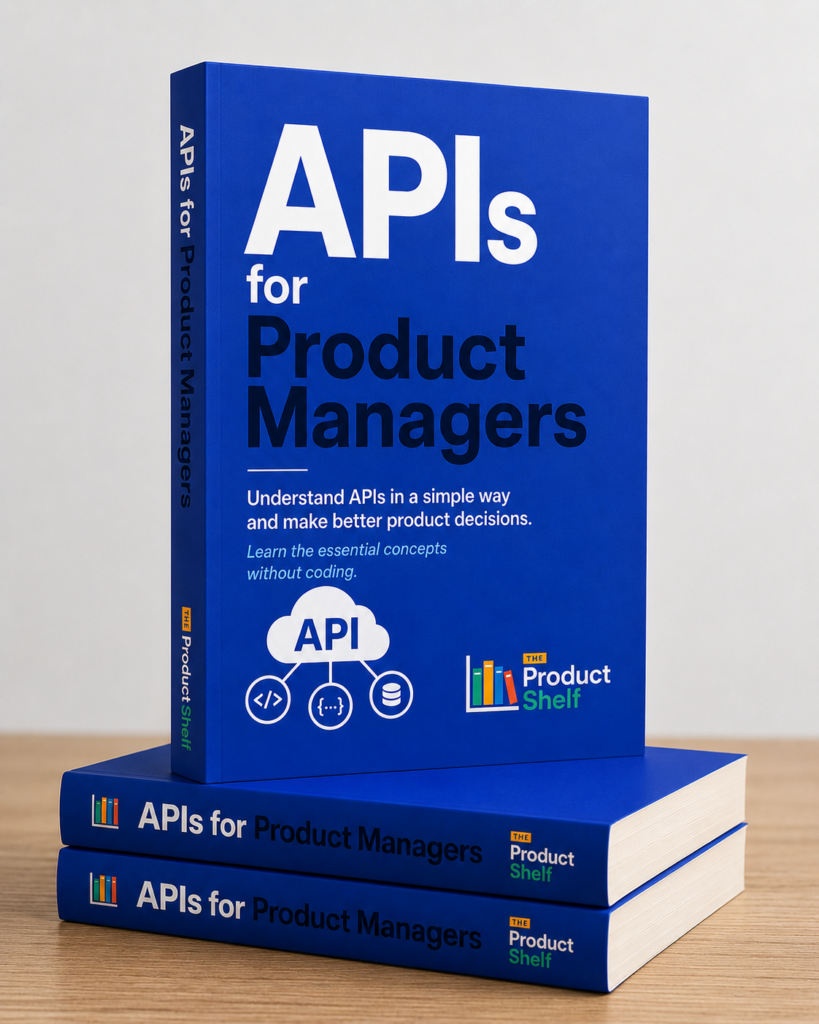

APIs for Product Managers
APIs for Product Managers
Understand APIs in a simple way and make better product decisions. APIs shape far more product decisions than most Product Managers realize.
A calendar integration, a payment provider, a CRM connection, a failed synchronization, a webhook from another platform—behind all of these situations, there is a conversation happening between systems. Understanding that conversation can make a significant difference when working with Engineering.
Leave a Reply